Working a customer's thread in the Inbox
Owner, Manager, Member · 6 steps
Every customer's calls, emails and work gather in one thread in the Inbox. You leave a note for your team, take the thread so everyone knows who is on it, and archive it when it is handled. It comes back by itself when the customer calls again.
1. Sign in
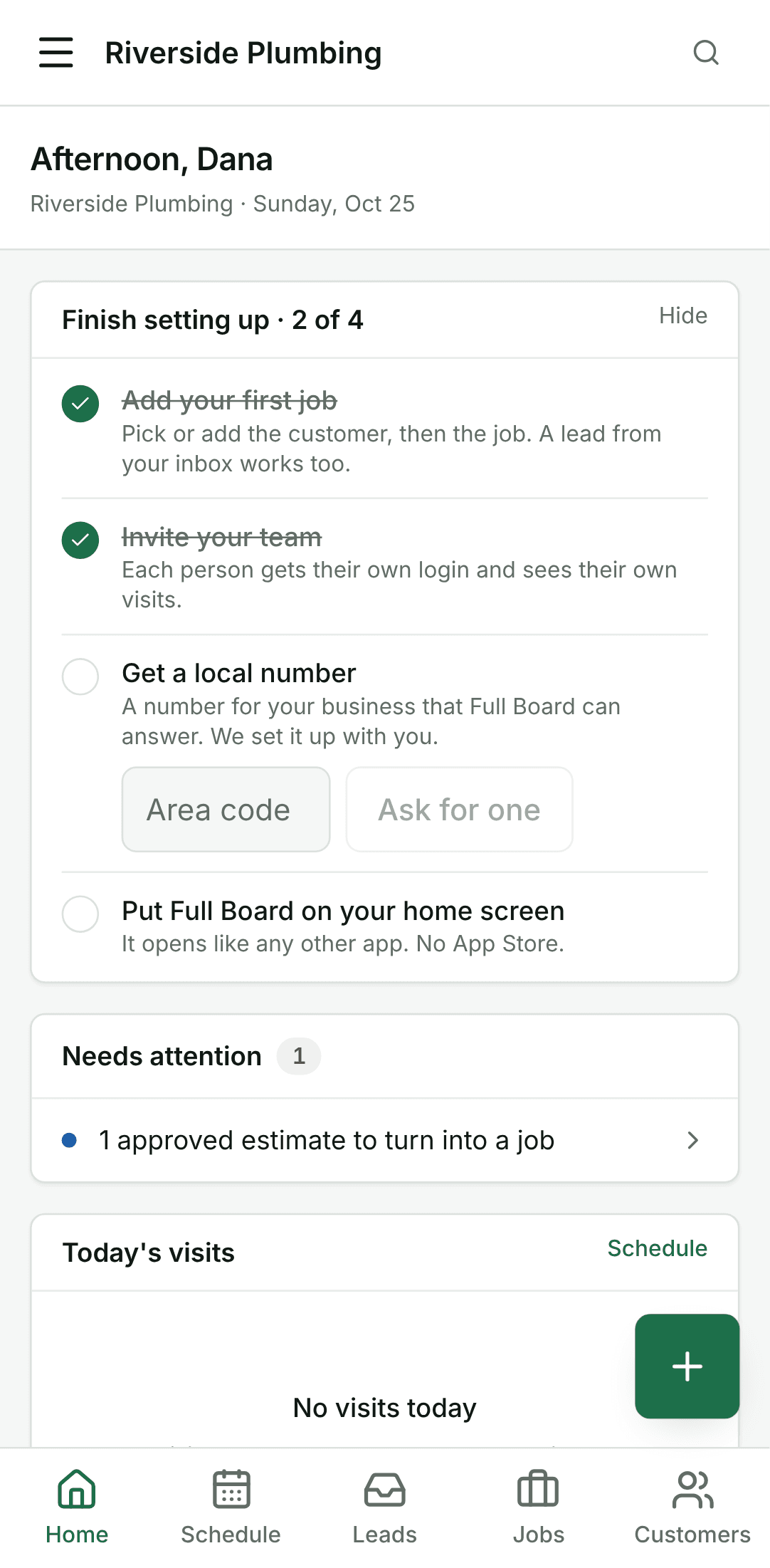
Open the app and sign in with your email and password. You land on Home.
2. Open the Inbox
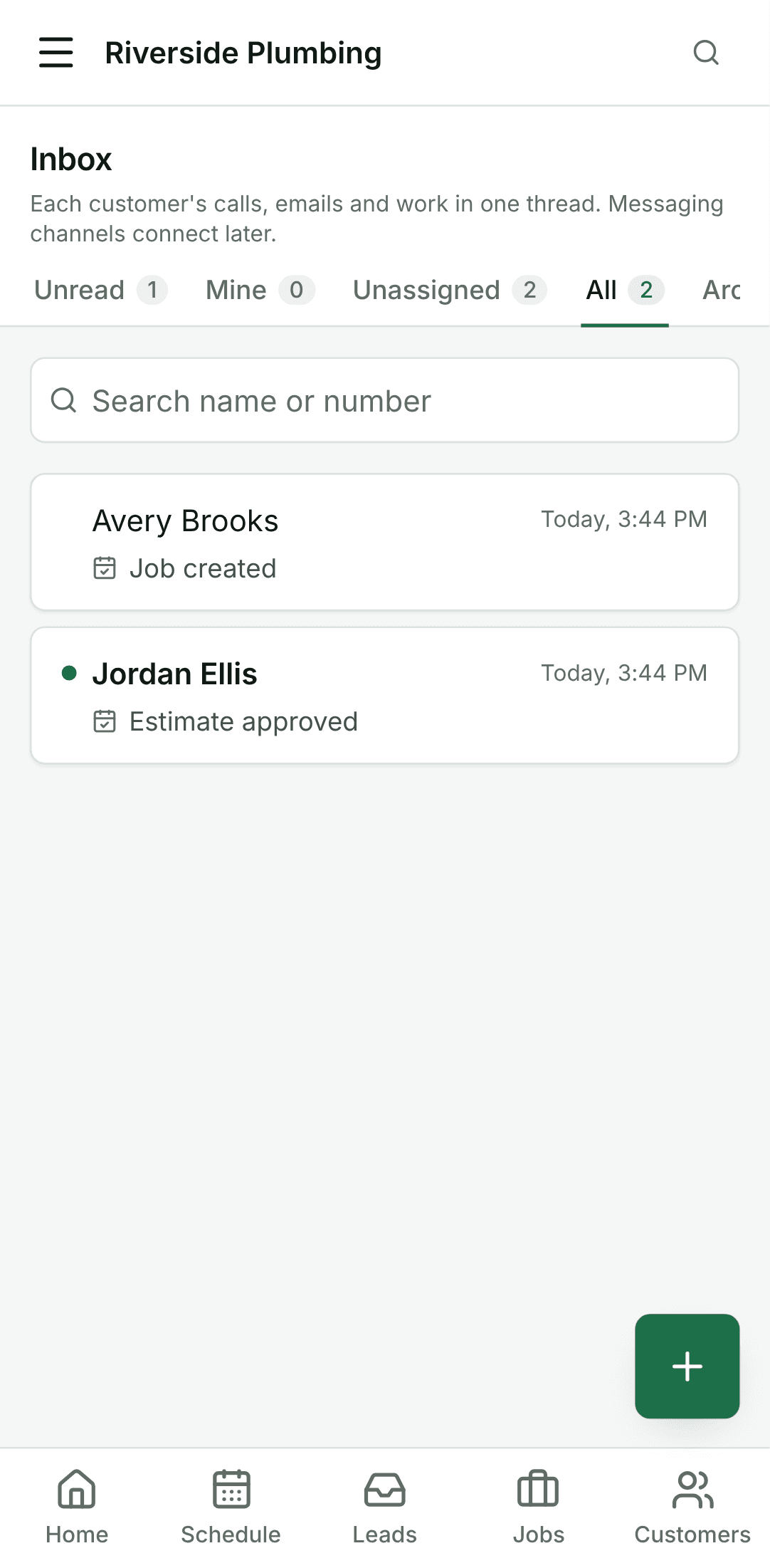
Open Inbox from the menu. It opens on Unread: customers who called, booked or answered since you last looked. All has every thread, newest first.
3. Open the customer's thread
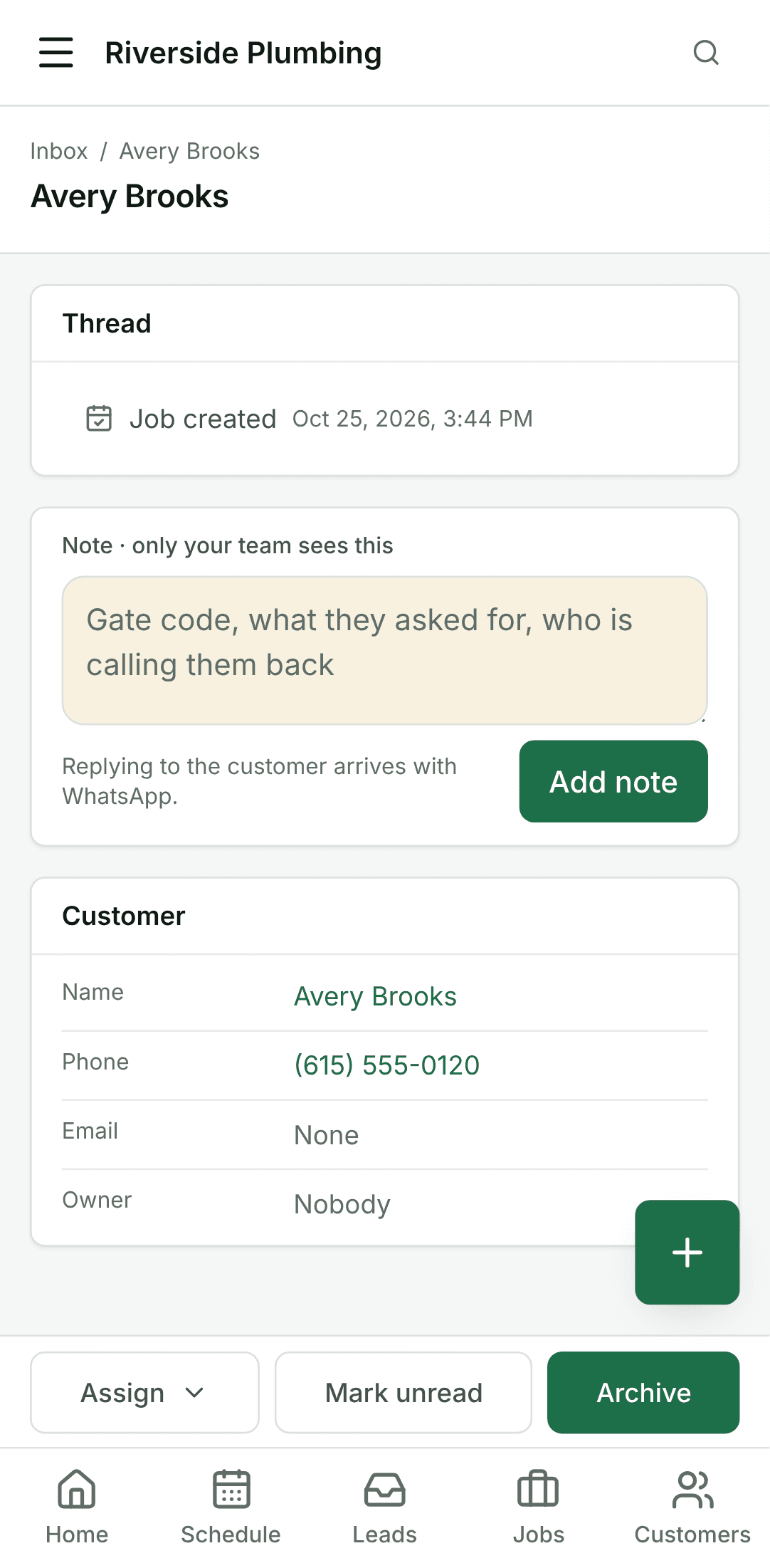
Tap the customer. Their thread reads oldest first, newest at the bottom: calls, emails you sent them, and the work, each opening its job or invoice.
4. Leave a note for the team
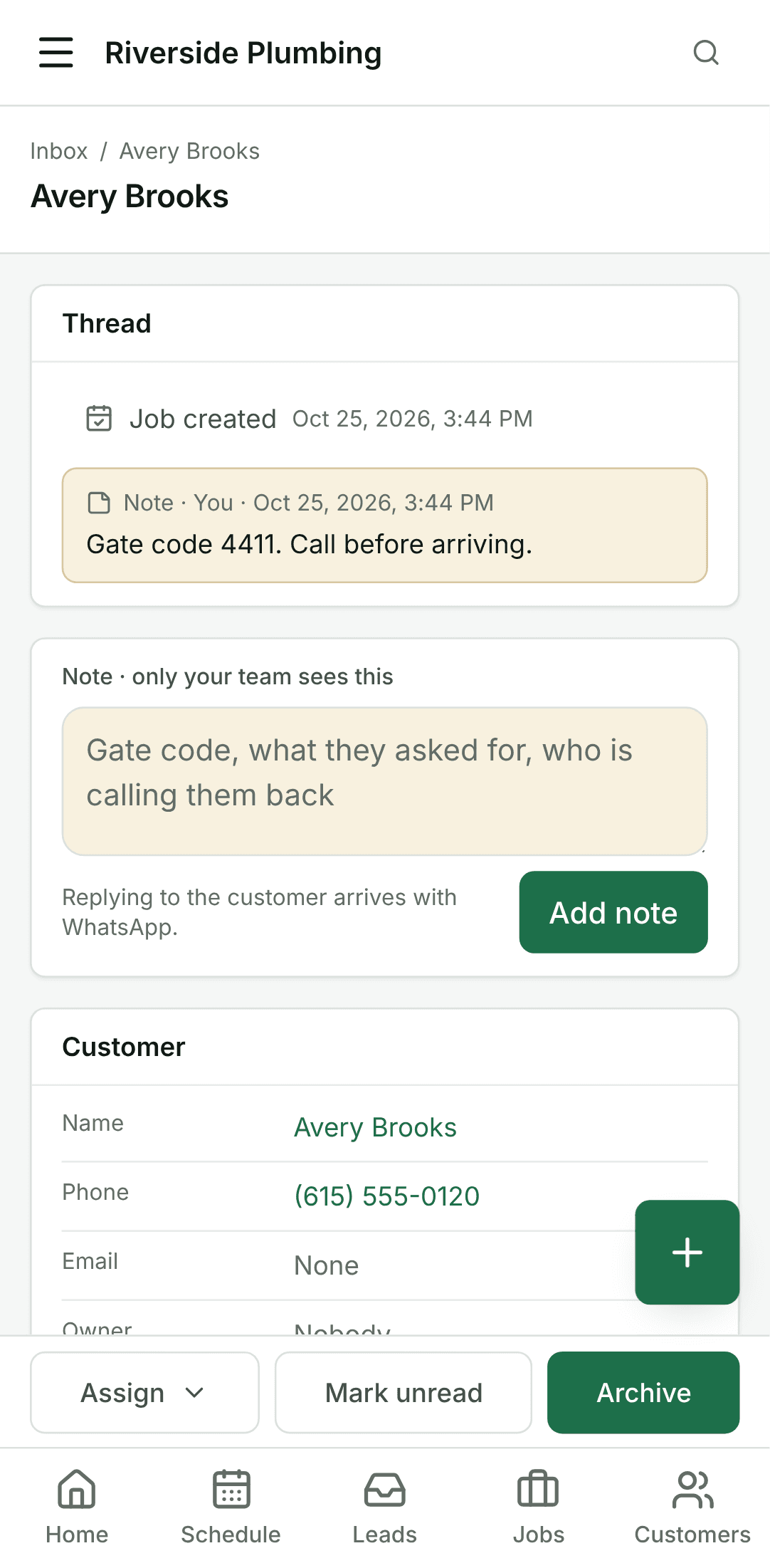
Write in the Note box at the bottom and tap Add note. Only your team sees notes; the customer never does.
5. Take the thread
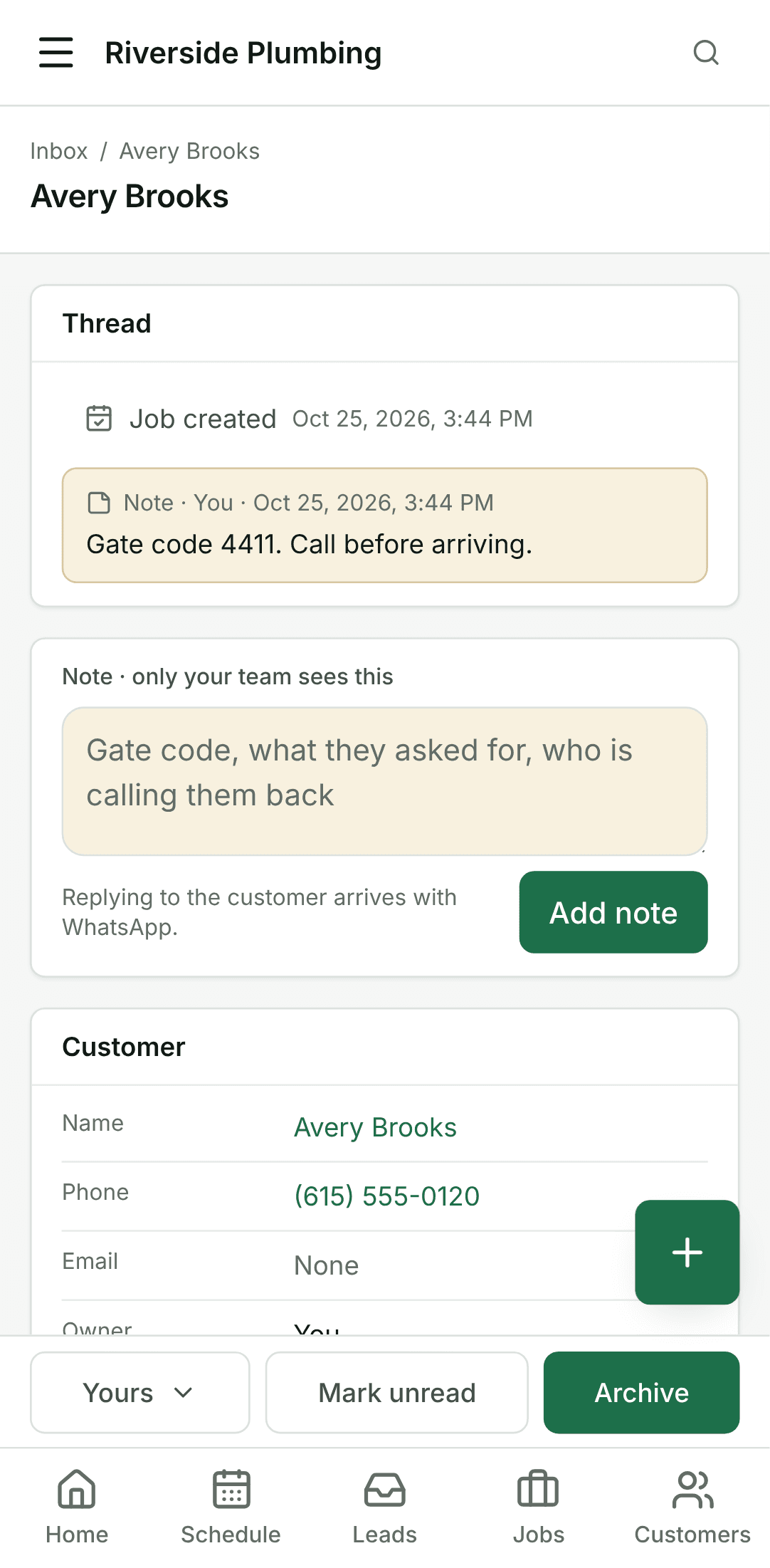
Tap Assign and choose Assign to me. The thread is in your Mine tab, and everyone can see it is yours.
6. Archive it when it is handled
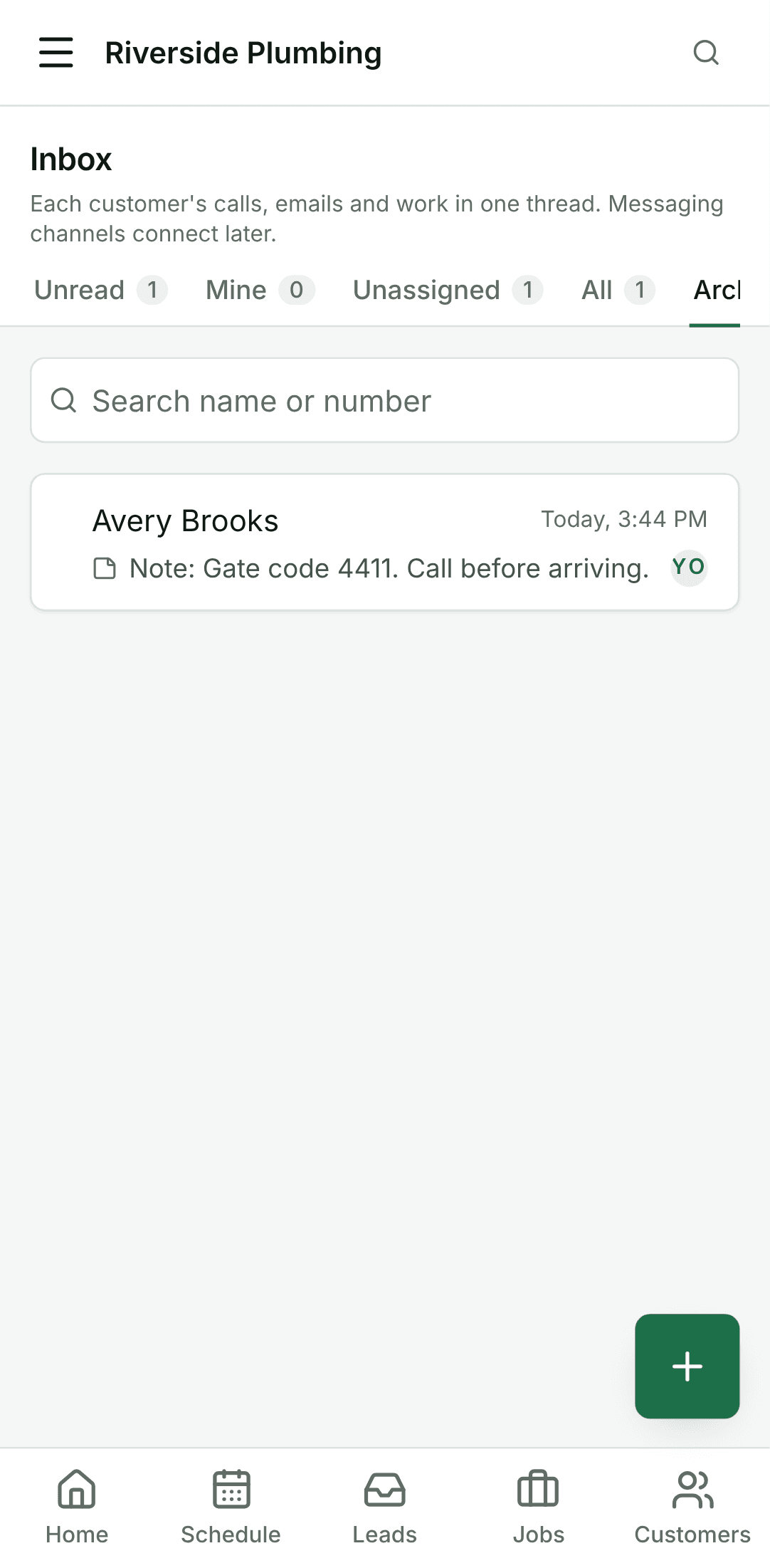
Tap Archive. The thread leaves the Inbox and waits under Archived. When the customer calls, books or pays again, it comes back on its own.